A UK ETA application on etourist.com follows a short online form, a check by the eTourist team and a submission to the UK government on your behalf. This guide walks through each screen and decision in order, from gathering documents to reading the decision email.
eTourist is a private service run by Travel Zoom LLC, not a government site. The UK ETA itself is issued only by the UK Home Office.
- Gather your passport, a face photo, an email address and a payment card.
- Fill in your personal, passport and travel details.
- Pick a service level and pay.
- Answer any follow-up questions from the eTourist team.
- Watch your inbox for the government decision.
Before You Open the eTourist Form
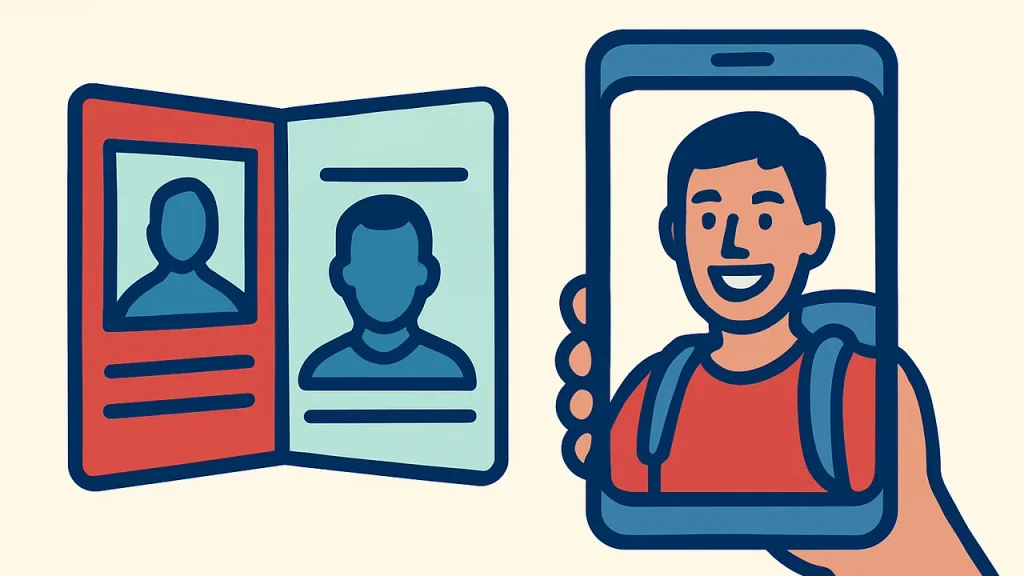
Having everything on the desk before you start keeps the form to the five minutes eTourist quotes. Its UK ETA page lists four things.
- A valid passport from a country that does not need a UK visa for short visits, ideally a biometric one
- A recent photo of your face, which can be taken on a phone
- An email address you check often
- A debit or credit card for payment
Use the exact passport you will travel on. GOV.UK says an ETA is linked to the passport you apply with, so a different passport at the airport will not match.
Tip. Ask someone else to take your face photo against a plain, light wall in a well-lit room. GOV.UK recommends having another person take it where possible.
Fill In the UK ETA Application on etourist.com
The form is split into short sections. Work through them in one sitting so nothing times out.
Personal details
- Enter your full name exactly as it appears on the passport photo page.
- Add your date of birth, nationality and home address.
- Give an email and phone number for updates on your order.
The first screen asks for your passport country, your travel purpose and the number of travellers. Pick tourism, business or transit to match what you will actually do in the UK.
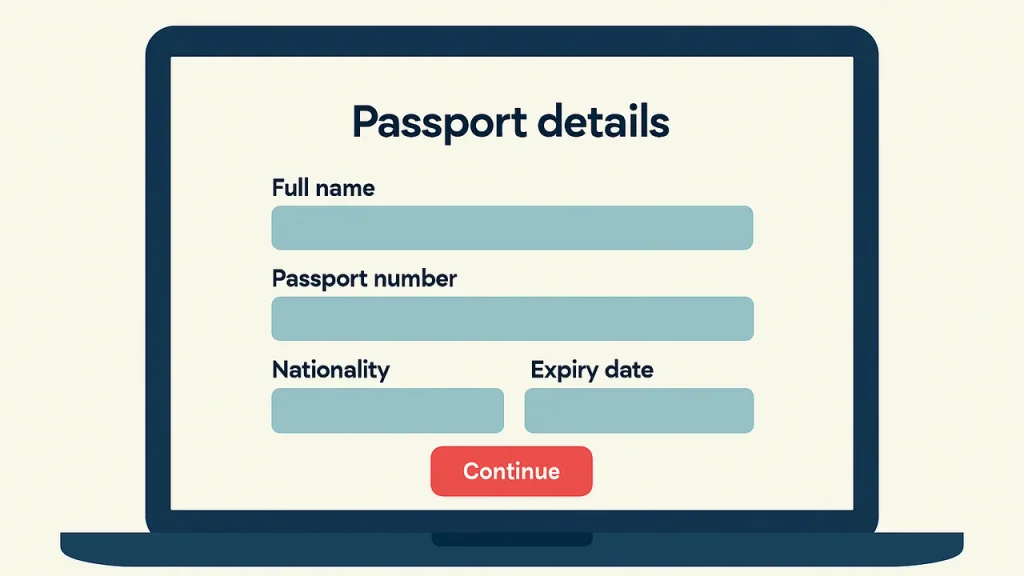
Passport details
Copy the passport number, issue date and expiry date character by character. A single swapped digit can mean the ETA is issued to a passport number you do not hold.
Check the expiry date carefully too. The ETA ends when the passport expires, so a passport with only months left gives you a much shorter ETA than the usual two years.
Travel and background questions
The UK government asks every applicant about employment and criminal history, among other things. Answer each question truthfully. The eTourist terms say you are responsible for giving information that is complete, accurate and current.
- Upload the face photo when asked.
- Add each traveller separately, including babies and children.
- Read the summary screen before moving on.
Check the Summary Screen Line by Line
Before payment, the form shows everything you entered. This is the last cheap moment to fix an error, because GOV.UK says changing details later means a new application and a new fee.
| Field | Compare it with |
|---|---|
| Full name | The machine-readable lines on the passport photo page |
| Passport number | The passport itself, not an old booking or a scan |
| Date of birth | Day and month order on the passport |
| Expiry date | The passport, to confirm it covers your trip |
| Email address | An inbox you can open while travelling |
If you are entering several travellers, check each person’s screen separately. It is easy to paste one passport number into two profiles.
Choose a Service Level and Pay
At checkout eTourist offers service levels named Standard, Rush and Super Rush. The total for your order appears on that screen, as the site does not list prices on its UK ETA pages.
| What you are paying for | Who keeps it |
|---|---|
| UK government ETA fee, GBP 20 per person | Forwarded to the UK government |
| eTourist service fee | eTourist, for preparing and submitting the application |
| Optional Denial Protection | eTourist, refunds the service fee if the ETA is refused |
Note. The terms say service levels only change how fast eTourist prepares your file. They do not speed up the government’s own decision.
What Happens After You Press Submit
Your order moves through named stages, which you can follow by logging in on the eTourist site.

- Received. eTourist has your order and is waiting for any missing details.
- Reviewed or Info Needed. The team checks your answers and may email you questions.
- With Government. The application has gone to the UK Home Office.
- Complete. A decision has been issued and sent to you.
Good to know. Reply to any request from eTourist within 7 days. Its refund policy treats orders as non-responsive after that, and they can stall.
If eTourist asks for more information
A request usually means something in your answers or photo needs a second look. Reply by email or live chat with your order number, and send exactly what is asked for.
An order must be completed within 30 days, according to the refund policy. Orders left open longer are closed and cannot be refunded.
How the Decision Reaches You
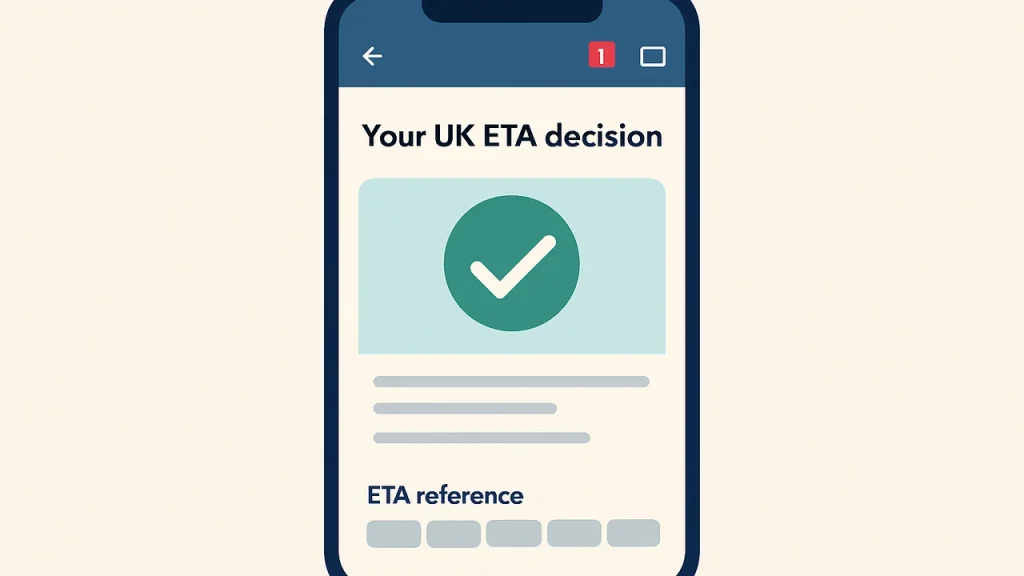
The decision comes by email. GOV.UK says the approval email includes a 16-digit ETA reference number.
| Detail | What GOV.UK says |
|---|---|
| Usual decision time | Within a day, up to 3 working days |
| Validity | 2 years, or until the passport expires if sooner |
| Trips covered | Multiple visits of up to 6 months each |
| What to show at travel | The passport you applied with |
If nothing arrives after three working days, check the spam folder first. Then contact eTourist support with your order number.
When to Start Your Application
The Home Office recommends applying at least three working days before you travel. eTourist gives the same advice on its UK ETA page.
Warning. Since 25 February 2026, airlines refuse boarding to eligible visitors who do not hold an ETA. Applying at the gate leaves no room for a manual review.
Booking flights first and applying soon after is a sensible order. The ETA does not need to match a single trip, since it covers repeat visits during its validity.
If you already hold a valid ETA on the same passport, you do not need a new one for each visit. A second order would only cost you another fee.
Wrapping Up the Application
Applying on etourist.com trades a service fee for a guided form and a human check before submission. The government still makes the decision, and an ETA does not guarantee entry, since Border Force decides at the border.
Keep the decision email and your order number together until the trip is over. You only need to show your passport at check-in and at the border, but having the ETA reference to hand helps if an airline queries it.
Note. If the passport changes, you will need a new application. This is general information, not immigration advice, so check GOV.UK for current rules before you travel.